Desk Organization
Organize your desk around one reliable phone power zone.
WireNest helps turn charging into part of the workspace layout. A clear phone landing area, a routed power cable, and the right wireless charger can reduce visual clutter without making the desk feel empty.


Organization zones
Give every charging detail a clean location.
A tidy desk does not require hiding every object. It works best when the phone, charger, cable, daily notes, and working tools each have a defined place.
Phone landing zone
Choose one visible place for your phone so it is easy to charge, answer, and return without creating cable clutter.
Power edge
Route the charger cable toward the back or side edge of the desk, keeping the working surface open and calm.
Quick reach row
Keep phone power, notebook, and daily essentials in a controlled row rather than scattered across the whole desktop.
Evening reset
At the end of the day, return the phone, charger, cable, and small accessories to the same positions.
Layout method
Create a surface plan before adding more accessories.
-
Start with the main work area
Keep the center clear for typing, writing, or focused work. Place charging products to the side of that main area.
-
Use a stand when visibility matters
A wireless phone stand keeps calls, timers, and notifications visible without letting the phone drift around the desk.
-
Use a pad for low-profile surfaces
A wireless charging pad works well near notebooks, trays, bedside surfaces, or compact desk corners.
-
Anchor the cable once
After placing the charger, guide the cable behind a monitor, along a desk edge, or through a cable path.
The best desk organization system is easy to repeat. Your phone should have one obvious place to land, charge, and return.
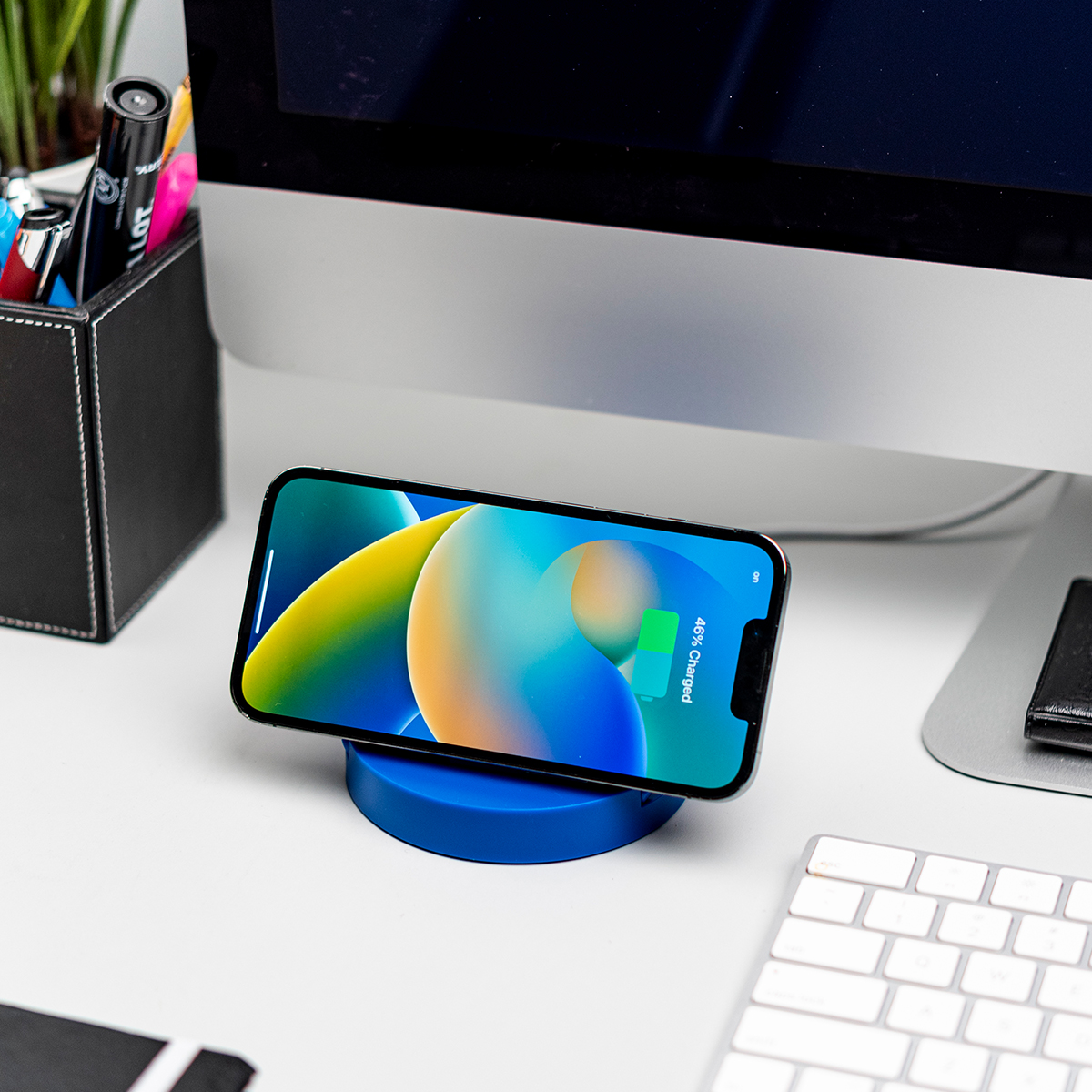
Surface map
Divide the desk into purpose-built areas.
WireNest charging accessories are easiest to live with when they fit into the desk map instead of competing with it.
Remove duplicate charging spots
Keep one main phone charging location instead of several loose cables or random charging corners.
Move power to the edge
Keep cables near the desk edge so the charger looks intentional and the center stays usable.
Match the charger to the task
Choose a stand for visibility, a pad for minimal height, or a station for several small daily devices.
Reset before leaving
Return the phone and charging accessories to their home positions so the next session starts clean.

Product fit
Choose the charger that supports your organization style.
-
For glanceable screens
Use a magnetic wireless stand when your phone needs to stay upright for calls, timers, or notifications.
-
For minimal surfaces
Use a flat wireless pad when you want low visual height on a desk, nightstand, or side table.
-
For shared power zones
Use a desk charging station when a phone and small daily accessories need one controlled power area.
A desk feels more organized when charging products support the layout instead of becoming extra objects to manage.
Desk organization answers
Practical ways to keep the charging area clean.
Where should I place a wireless charger on my desk?
Place it slightly to the side of your main work area, close enough to reach but far enough to keep typing and writing space open.
How can I hide the charger cable?
Route the cable behind your monitor, along the desk edge, through a cable clip, or down the back of the desk toward the power source.
Should I use a stand or a flat pad?
Use a stand when you want your phone visible. Use a pad when you want the charger to sit low and blend into a minimal surface.
How do I stop small items from spreading across the desk?
Use one small tray or dedicated corner for keys, earbuds, cards, and everyday items, then keep the phone charging zone separate.
Organize with power in mind
Build a desk setup where charging feels clean, visible, and easy to repeat.
Explore WireNest wireless charging pads, magnetic phone stands, desk charging stations, and everyday phone power accessories for a more organized workspace.